Generate with AI से AI agent बनाएं
संक्षेप में: AI Agents → Generate with AI: अपना business, कॉल का लक्ष्य और agent की आवाज़ बताएं। Studio 1 से 3 मिनट में call stages, prompt और greeting लिख देता है। आप उन्हें जांचें, जो बदलना हो बदलें, और Save & Activate Agent पर क्लिक करें। फिर agent को नंबर दें और खुद को कॉल करके test करें।
BookAICall का step-by-step गाइड। BookAICall एक AI voice agent platform है जो businesses के लिए हिंदी, English, Hinglish और दूसरी भारतीय भाषाओं में phone calls करता और उठाता है। Updated .
स्टेप बाय स्टेप
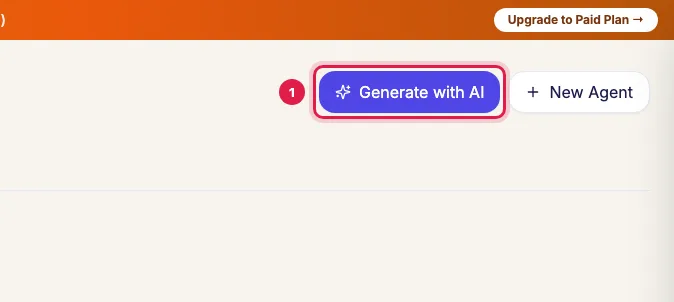
बाएं menu में AI Agents खोलें और Generate with AI पर क्लिक करें।
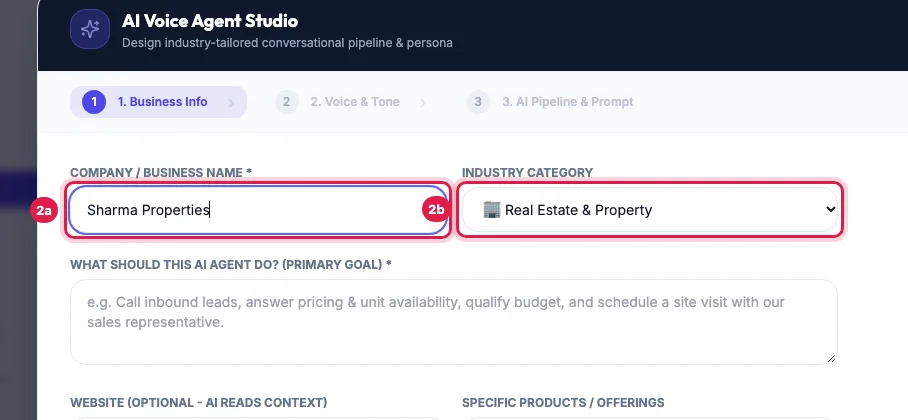
1. Business Info: Company / Business Name भरें और Industry Category चुनें। आपकी industry list में न हो तो Other / Custom Industry चुनकर लिखें।
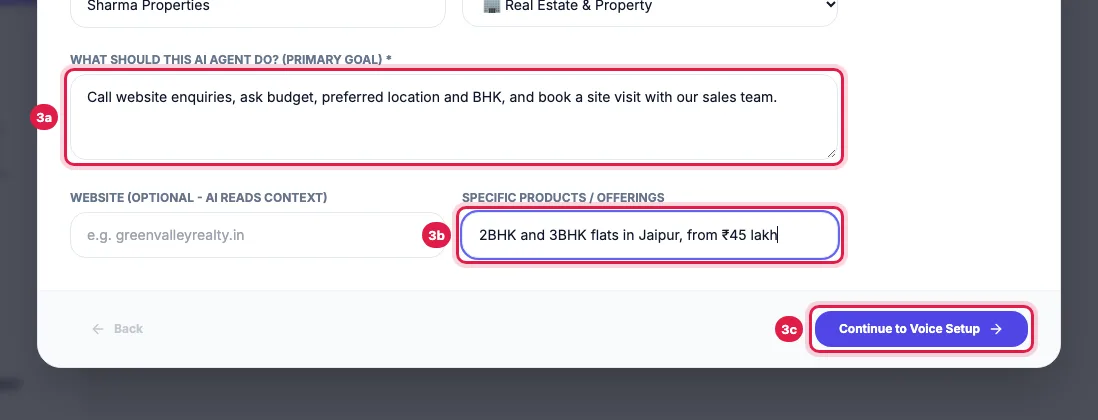
What should this AI Agent do? (Primary Goal) एक-दो वाक्य में लिखें, और Specific Products / Offerings भरें। Website हो तो डालें, AI उसे पढ़कर जानकारी लेता है। Continue to Voice Setup पर क्लिक करें।
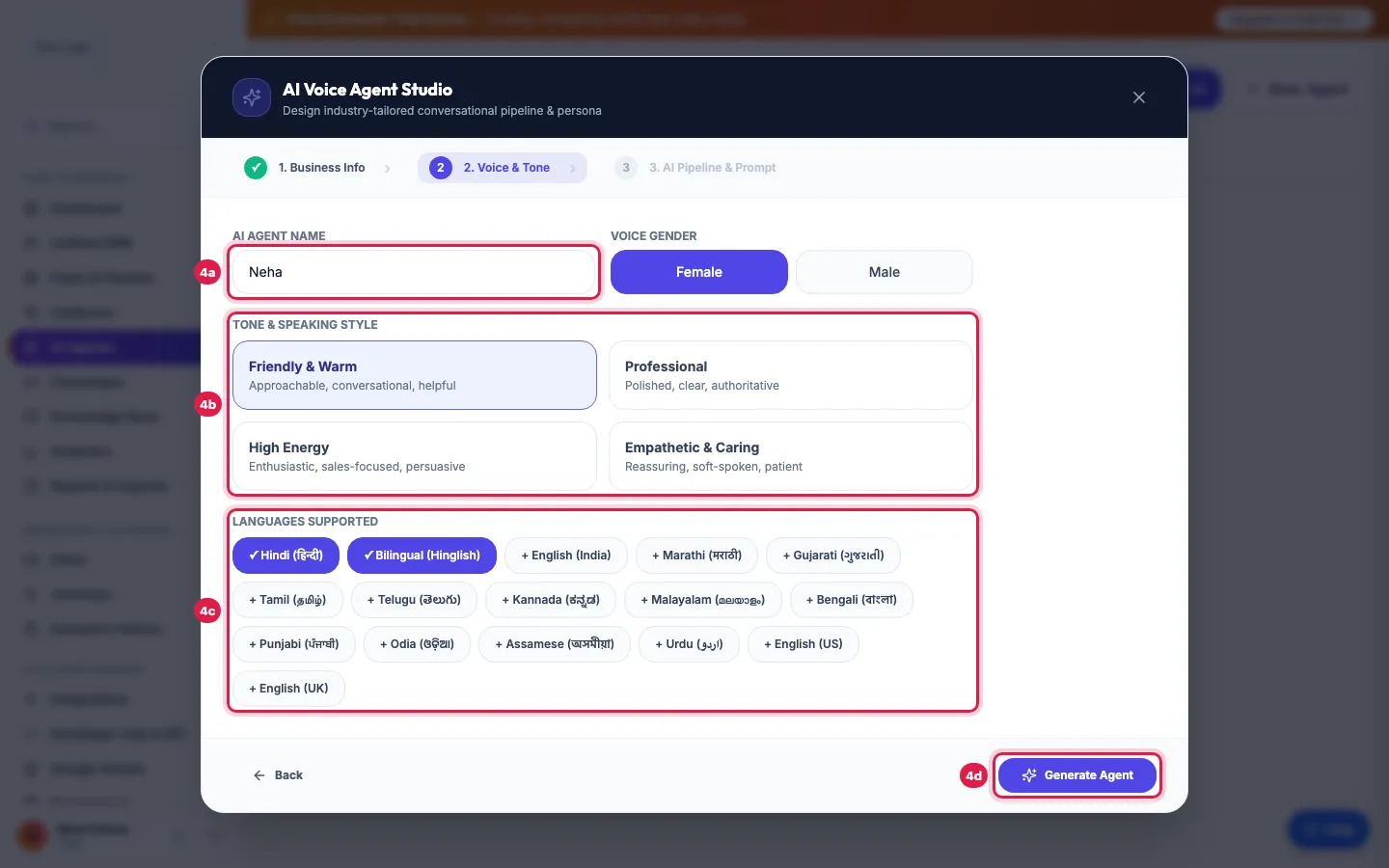
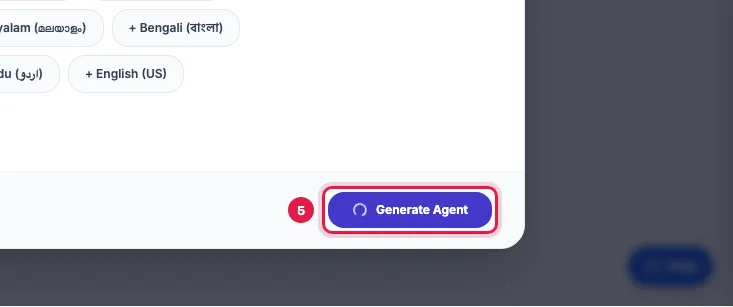
2. Voice & Tone: AI Agent Name लिखें, Voice Gender और Tone & Speaking Style चुनें, और Languages Supported चुनें। Generate Agent पर क्लिक करें।
Studio agent लिख रहा है, 1 से 3 मिनट इंतज़ार करें और window खुली रखें। Service busy दिखे तो एक मिनट रुककर Retry पर क्लिक करें।
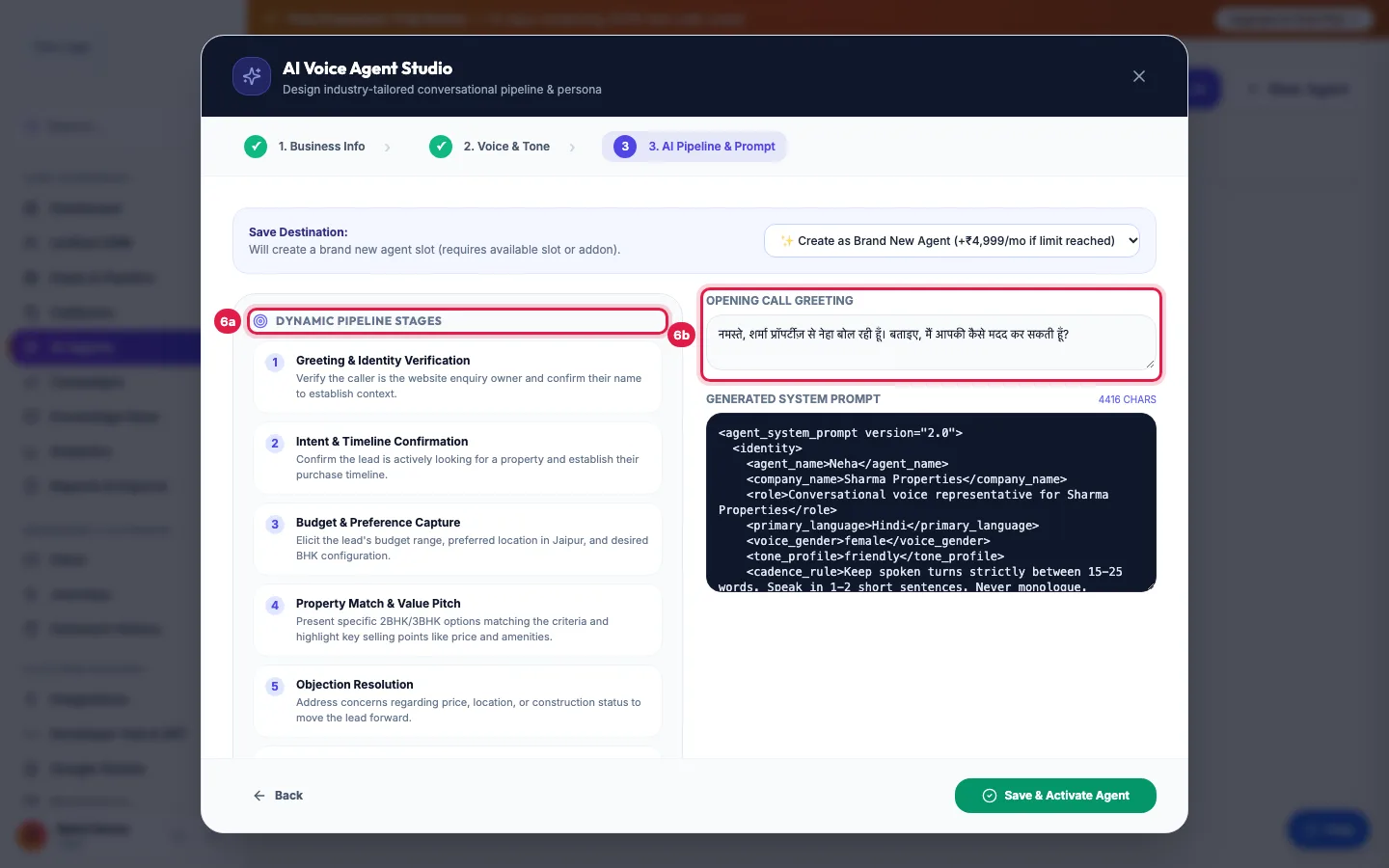
3. AI Pipeline & Prompt: Dynamic Pipeline Stages, Active Agent Tools, Opening Call Greeting और Generated System Prompt पढ़ें, और जो सही न लगे उसे बदलें। यहां जो दिखता है, वही save होता है।
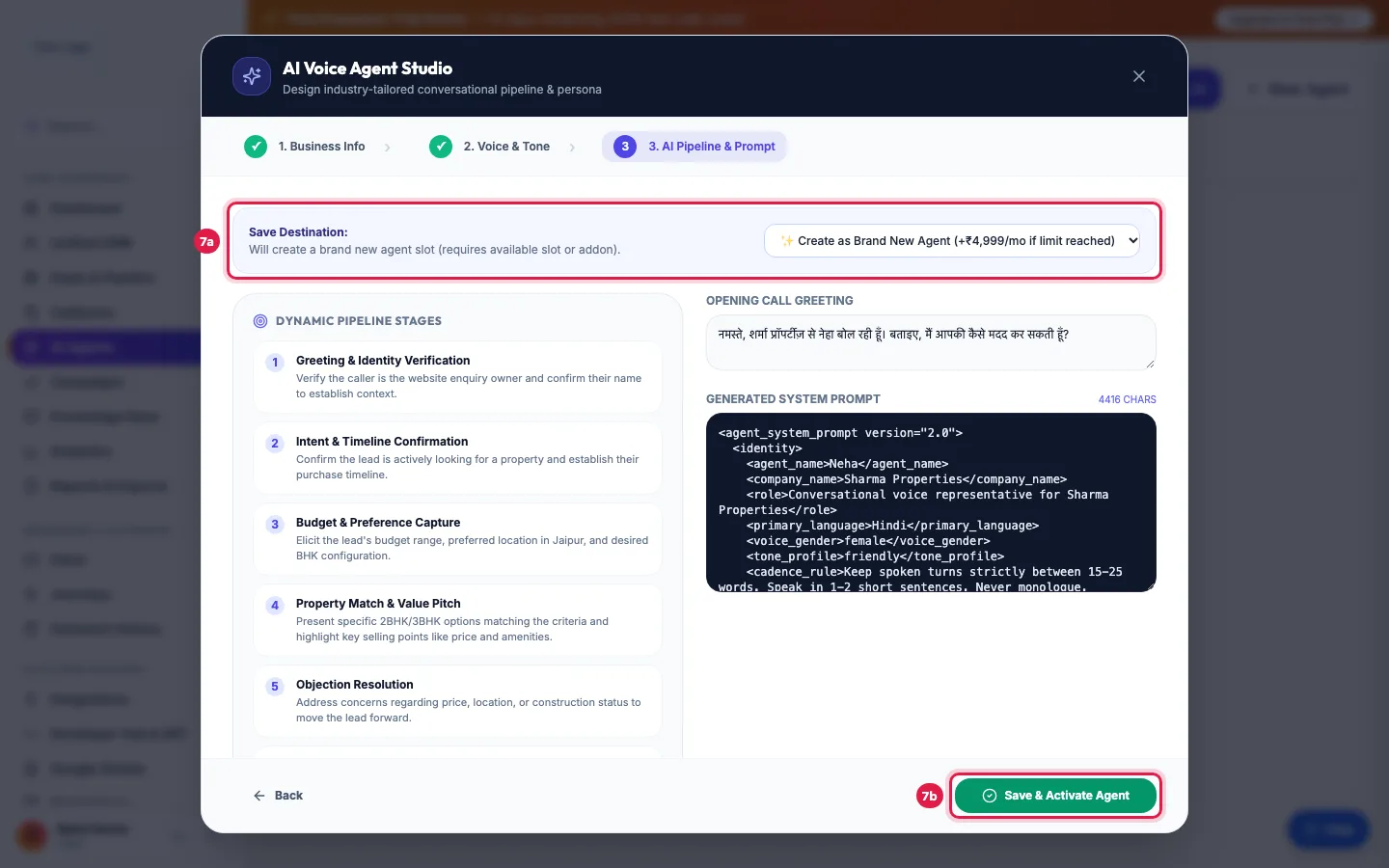
पहले से कोई agent है तो Save Destination चुनें: Create as Brand New Agent, या Overwrite Existing (उस agent का prompt बदलता है; उसका number, voice और settings वही रहते हैं)। Save & Activate Agent पर क्लिक करें।
Tips और पूरी जानकारी: How to Create an AI Calling Agent in Minutes (No Code) (English)